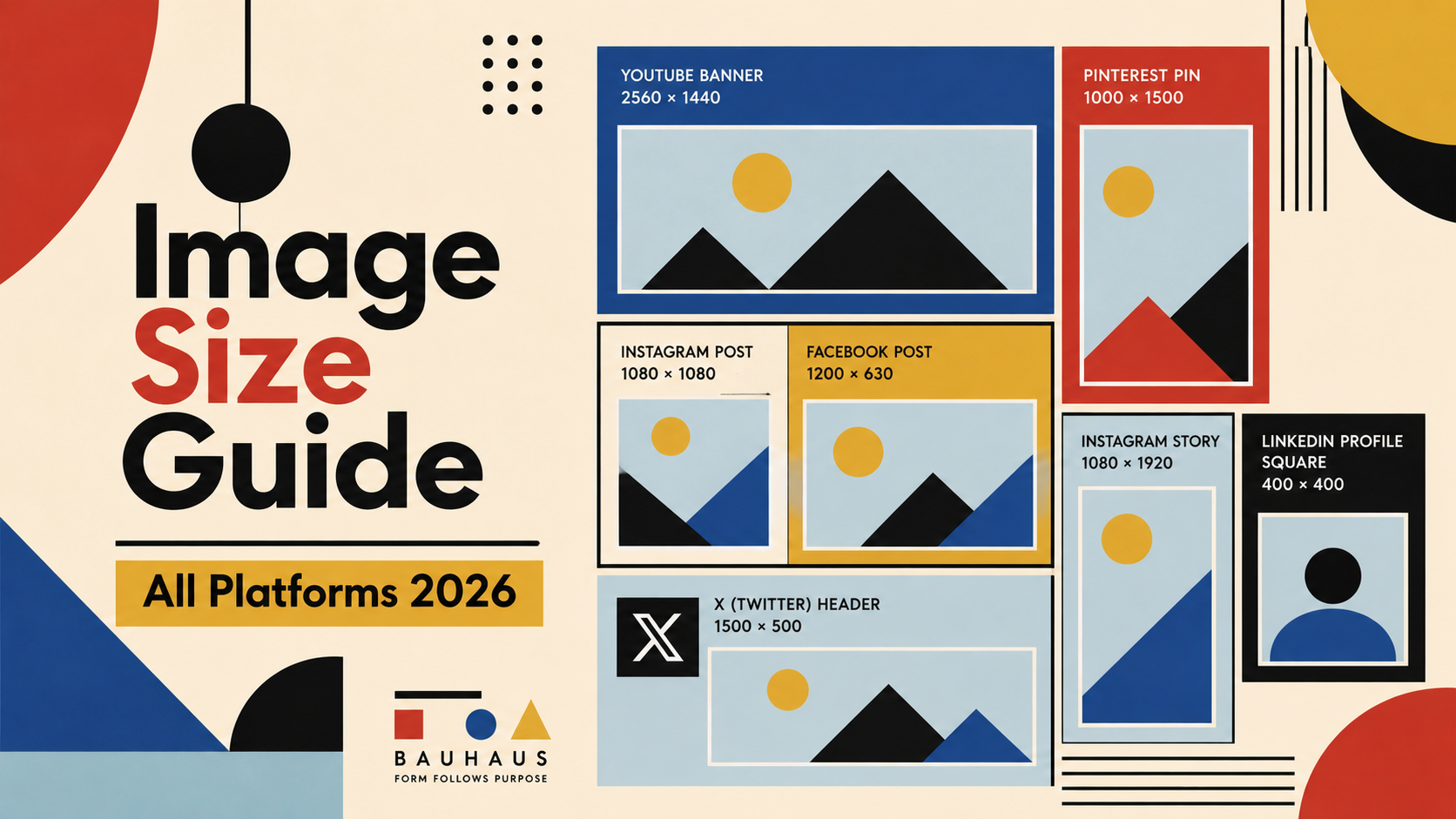
Getting image sizes right is one of the most overlooked parts of social media work. Use the wrong dimensions and your cover photo gets cropped, your ad looks blurry, or your story disappears into letterboxing. This guide covers every major platform — verified against official documentation and updated for 2026.
Why Image Sizes Matter
Each platform renders images differently. Facebook compresses JPEGs aggressively; Instagram resamples anything that isn't exactly 1080px wide. Upload the right size and you get crisp, uncompressed images. Upload the wrong size and the platform's algorithm fills in the gaps — never with good results. Uploading oversized images also increases load time, which hurts both user experience and ad quality scores.
Facebook Image Sizes
Facebook uses different cropping rules depending on where the image appears — profile, timeline, groups, ads, or events. The platform also renders images differently on desktop vs mobile, so always check your uploads on both.
| Image Type | Recommended Size | Aspect Ratio | Notes |
|---|---|---|---|
| Profile Photo | 170×170 px | 1:1 | Displays as circle on mobile |
| Cover Photo | 820×312 px | 2.63:1 | Minimum 400×150 px |
| Shared Image | 1200×630 px | 1.91:1 | Most common post format |
| Story | 1080×1920 px | 9:16 | Full-screen vertical |
| Event Cover | 1920×1005 px | 1.91:1 | Cropped to 470×174 in feed |
| Group Cover | 1640×856 px | 1.91:1 |
Instagram Image Sizes
Instagram recommends uploading at 1080px width for all post types. The platform downsamples automatically, but uploading at the correct width gives you the sharpest result. For portrait posts, the 4:5 ratio takes up the most vertical space in the feed, which increases visibility.
| Image Type | Recommended Size | Aspect Ratio | Notes |
|---|---|---|---|
| Profile Photo | 320×320 px | 1:1 | Displays as 110×110 circle |
| Square Post | 1080×1080 px | 1:1 | Classic feed format |
| Portrait Post | 1080×1350 px | 4:5 | Maximum vertical feed space |
| Landscape Post | 1080×566 px | 1.91:1 | Minimum ratio allowed |
| Story / Reels Cover | 1080×1920 px | 9:16 | Safe zone: 1080×1420 px |
| Carousel Card | 1080×1080 px | 1:1 | All cards must match ratio |
X (Twitter) Image Sizes
X crops in-stream images in the timeline before the user clicks to expand. The safe zone for a single landscape image is roughly the center 16:9 area, but the full 1600×900 upload is shown when expanded.
| Image Type | Recommended Size | Aspect Ratio | Notes |
|---|---|---|---|
| Profile Photo | 400×400 px | 1:1 | Displays as 200×200 circle |
| Header / Banner | 1500×500 px | 3:1 | |
| Single in-stream image | 1600×900 px | 16:9 | Cropped in feed, full on expand |
| 2 images (side by side) | 700×800 px each | 7:8 | |
| 3 images | 700×800 + 1200×686 | Mixed | Left image is taller |
| 4 images (grid) | 1200×675 px each | 16:9 |
LinkedIn Image Sizes
LinkedIn is used across desktop, mobile app, and mobile browser — all of which render images slightly differently. The cover/banner image is especially prone to cropping on mobile, so keep key content away from the top and bottom edges.
| Image Type | Recommended Size | Aspect Ratio | Notes |
|---|---|---|---|
| Profile Photo | 400×400 px minimum | 1:1 | Max 8 MB |
| Profile Banner | 1584×396 px | 4:1 | Mobile crops vertically |
| Post Image | 1200×627 px | 1.91:1 | Most common feed format |
| Portrait Post | 1080×1350 px | 4:5 | Max vertical for feed |
| Company Logo | 300×300 px | 1:1 | |
| Company Page Banner | 4200×700 px | 6:1 | Displays at ~1128×191 on the page |
| Article Cover Image | 1920×1080 px | 16:9 |
YouTube Image Sizes
YouTube's channel art (banner) is the trickiest image on any platform — it displays at very different sizes depending on whether the viewer is on TV, desktop, tablet, or mobile. The safe zone for text and logos is the center 1546×423 px area, which is visible on all devices.
| Image Type | Recommended Size | Aspect Ratio | Notes |
|---|---|---|---|
| Channel Art / Banner | 2560×1440 px | 16:9 | Safe zone: 1546×423 px center |
| Profile Photo | 800×800 px | 1:1 | Displays as circle |
| Video Thumbnail | 1280×720 px | 16:9 | Max 2 MB, JPG / PNG / GIF |
| End Screen | 1280×720 px | 16:9 | |
| Community Post Image | 1280×720 px | 16:9 |
TikTok Image Sizes
| Image Type | Recommended Size | Aspect Ratio | Notes |
|---|---|---|---|
| Profile Photo | 200×200 px minimum | 1:1 | Displays as circle |
| Video / Cover Image | 1080×1920 px | 9:16 | Used as video thumbnail |
| Photo Post (portrait) | 1080×1920 px | 9:16 | Preferred |
| Photo Post (landscape) | 1920×1080 px | 16:9 | Horizontal option |
Pinterest Image Sizes
Pinterest was designed around vertical imagery — tall pins dominate the feed and outperform square or horizontal formats by a significant margin. The standard 2:3 ratio is the sweet spot: tall enough to dominate, short enough not to get cut off.
| Image Type | Recommended Size | Aspect Ratio | Notes |
|---|---|---|---|
| Standard Pin | 1000×1500 px | 2:3 | Best performing ratio |
| Square Pin | 1000×1000 px | 1:1 | |
| Long Pin | 1000×2100 px | 1:2.1 | Maximum before feed cutoff |
| Profile Photo | 165×165 px | 1:1 | |
| Board Cover | 1080×1080 px | 1:1 | Cropped to circle thumbnail on profile grid |
Snapchat Image Sizes
| Image Type | Recommended Size | Aspect Ratio | Notes |
|---|---|---|---|
| Snap / Story | 1080×1920 px | 9:16 | Full-screen vertical |
| Profile Photo | 1080×1080 px | 1:1 | Displayed as circle; Bitmoji avatars used by default for most users |
| Spotlight | 1080×1920 px | 9:16 | Keep UI safe zone in mind |
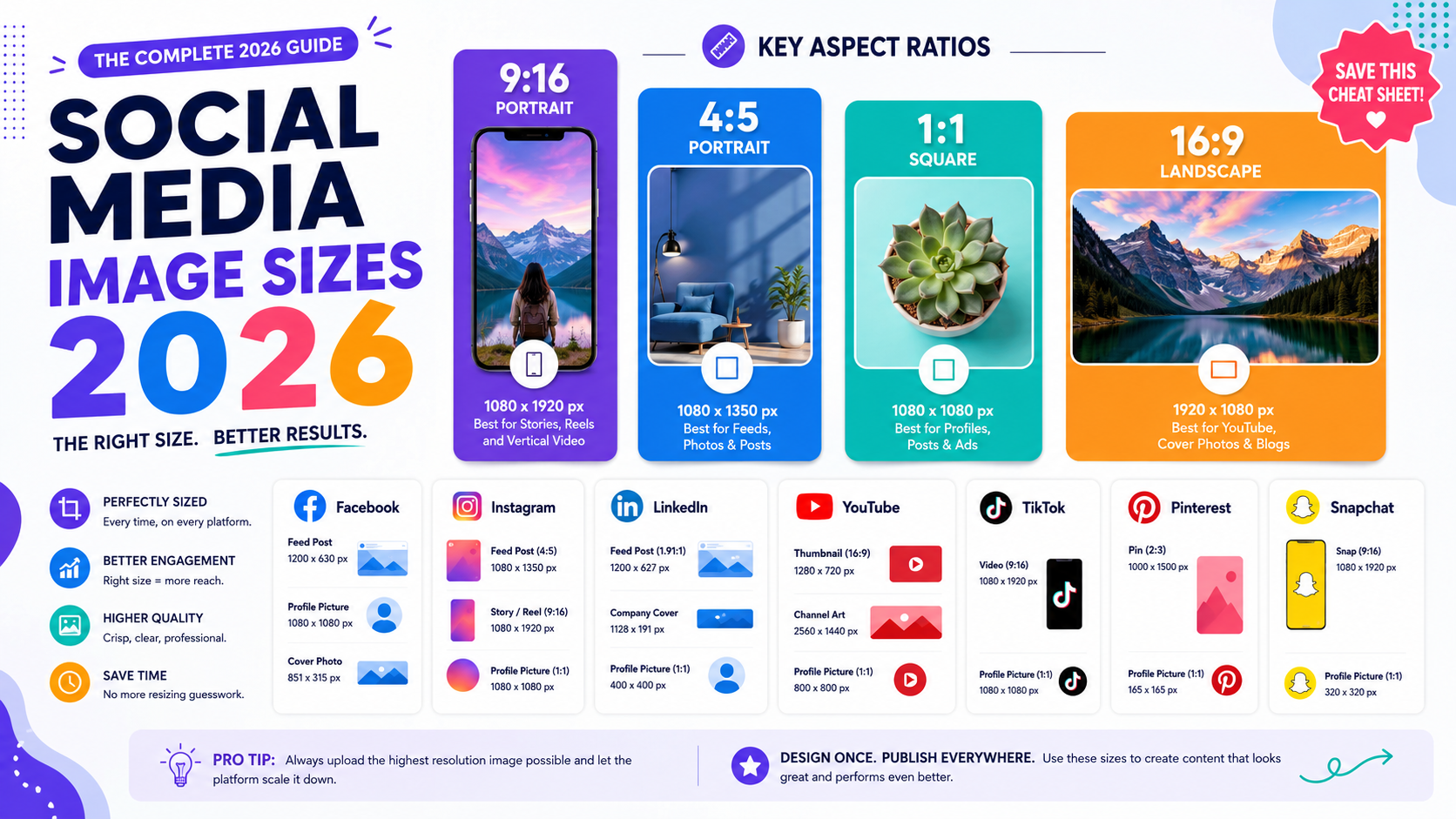
Profile photos, cover images, and feed posts each follow different dimension rules per platform
Quick Reference: All Platforms
| Platform | Profile Photo | Cover / Banner | Feed Post | Story / Vertical |
|---|---|---|---|---|
| 170×170 | 820×312 | 1200×630 | 1080×1920 | |
| 320×320 | — | 1080×1080 | 1080×1920 | |
| X (Twitter) | 400×400 | 1500×500 | 1600×900 | — |
| 400×400 | 1584×396 | 1200×627 | — | |
| YouTube | 800×800 | 2560×1440 | 1280×720 | — |
| TikTok | 200×200 | — | 1080×1920 | 1080×1920 |
| 165×165 | — | 1000×1500 | — | |
| Snapchat | 320×320 | — | 1080×1920 | 1080×1920 |